Compatible with Chrome and Edge
Instruction Guide
We have a simple tutorial guide which explains the features of the software extension and what each button inside the extension does. Read our tutorial and welcome guide on how to use the extension to the fullest. Use all the features of this browser software.
If you are interested in other web extensions to install, you might wish to check out the Microsoft Bing Search with Rewards extension.
Microsoft Bing Search with Rewards Extension
It allows you to complete daily offers to get points.
Track the number of points you have currently and the rewards you can redeem with these points.
The ways to get points & get rewarded is search with Bing, browse with Microsoft Edge and shop at the Microsoft and Windows stores to earn rewards.
Sponsored Link:
Other useful extensions
Another extension which would be useful to install is the iCloud bookmarks extension.
It allows to keep your Chrome bookmarks on Windows synced up with the Safari bookmarks on your iPhone, iPad, and Mac.
iCloud will store your website bookmarks so it is accessible even on your iPhone and Mac.
Try these other two extensions and see if it will boost your daily productivity.
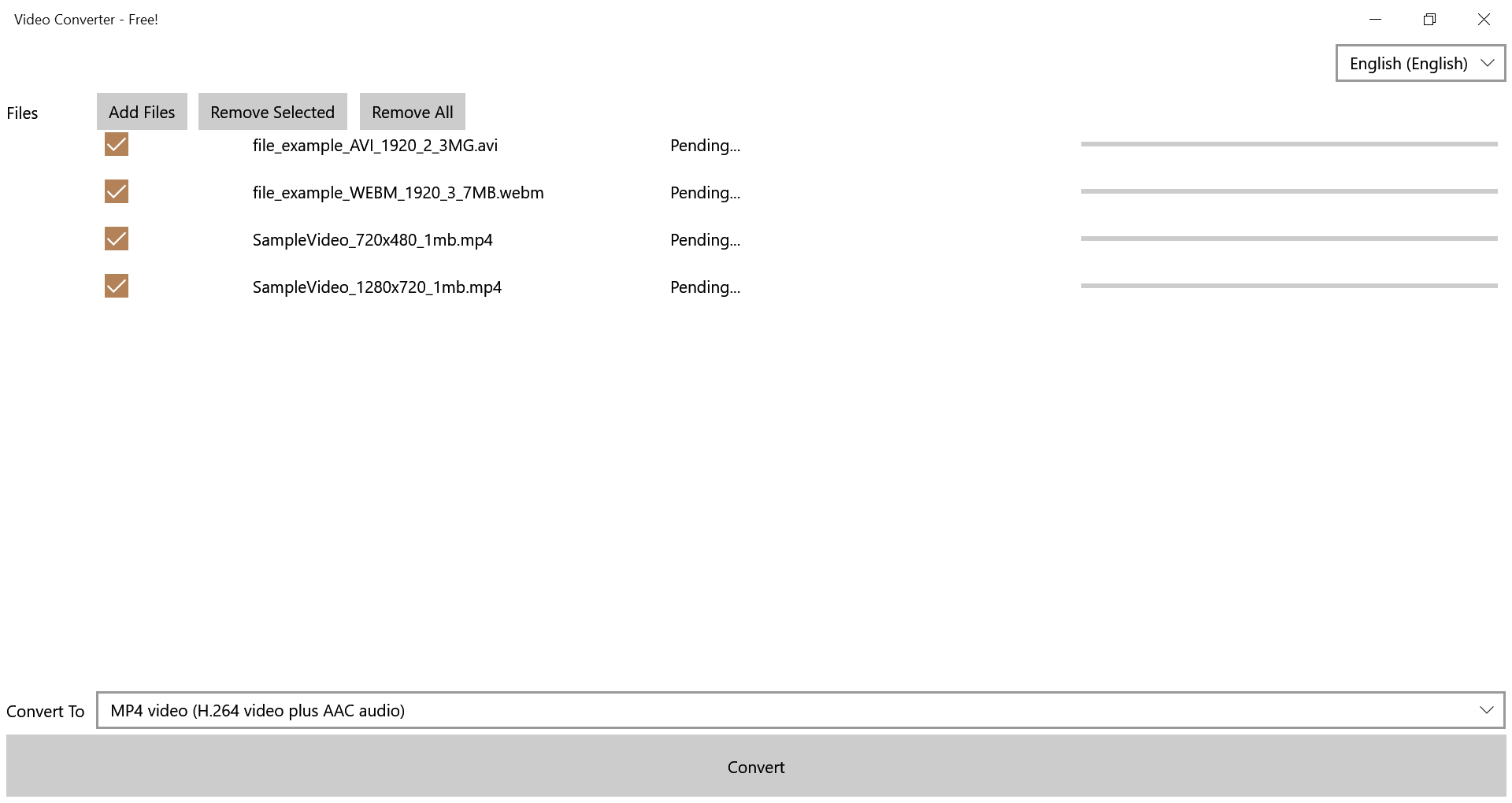
A free application that converts video files for you. This application supports all formats, handles your files quickly!
Features:
- Add video file and convert
You can find many free video converters online, but it is better to choose an app that has more features and options. In this article, we will show you some of the benefits of using a video converter software:
Convert videos in different formats
A good video converter should be able to convert videos in most popular formats, such as AVI, MOV, MKV, MP4 and others. You can also convert videos from one format to another with the help of this program.
Edit videos before conversion
Converting a video takes time and it can be frustrating if your device does not have enough storage space for the file after conversion. Sometimes you may want to cut out certain scenes from a movie or add subtitles to your video before converting it into another format so that it fits on your device better. A good video converter software allows you to edit videos before conversion with the help of various features such as trimming or cropping videos, adding subtitles and effects like watermarking or blur effect on them
Here's a look at some of the most popular desktop video converter software:
Handbrake is a free and open source tool used to convert DVDs and other videos into MP4s or MKVs (or any other format). It features several different presets that let you quickly convert your video without having to mess with any settings. You can also edit the video before converting it by adjusting codecs, bitrates and frame rates.
VLC Media Player is another free tool that lets you convert videos on the fly as well as save them in various formats (including FLV). VLC Media Player is also very popular because it plays just about every kind of video file out there (and can even stream them).
Tutorial:
- Install the Extension
- After installing the extension, click on the icon on the toolbar.
Sponsored Link: